Skip to content

Step 1: Navigate to the catering administration
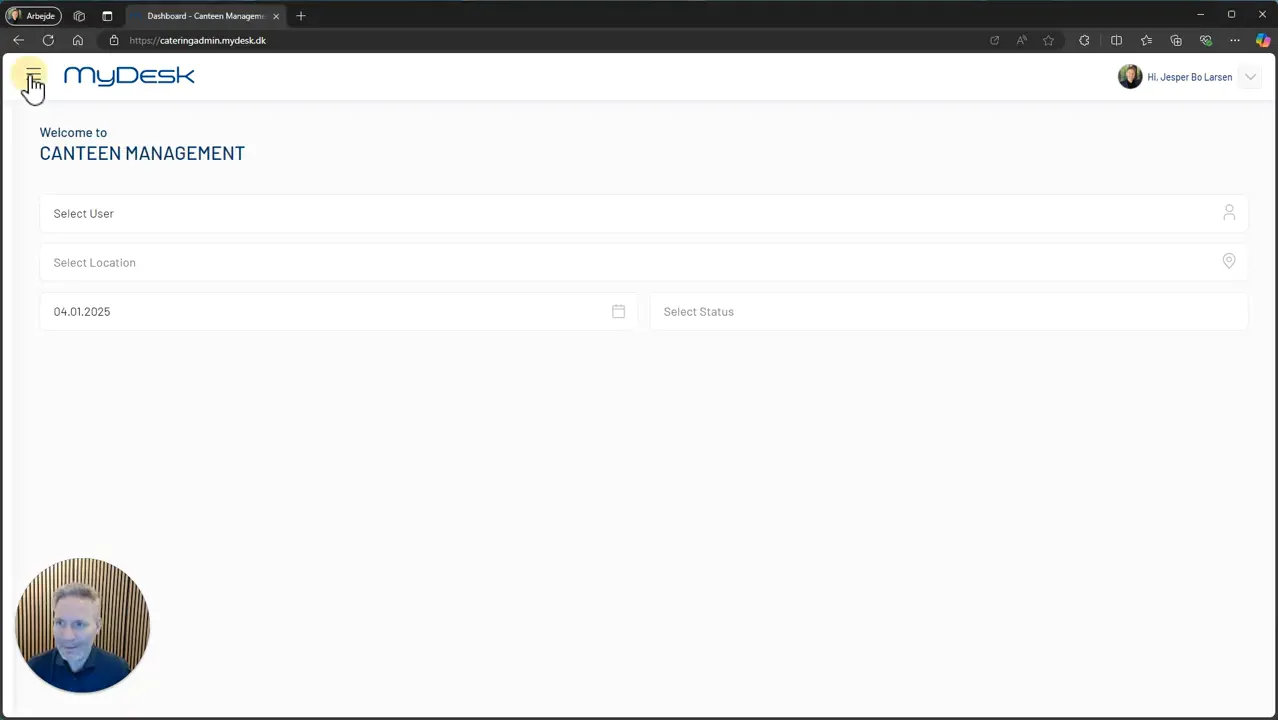
To get started, you first need to log in to the catering administration. Here you will find different options for managing orders. Start by finding and clicking on the section called ‘Overview’.
Step 2: Select date or period
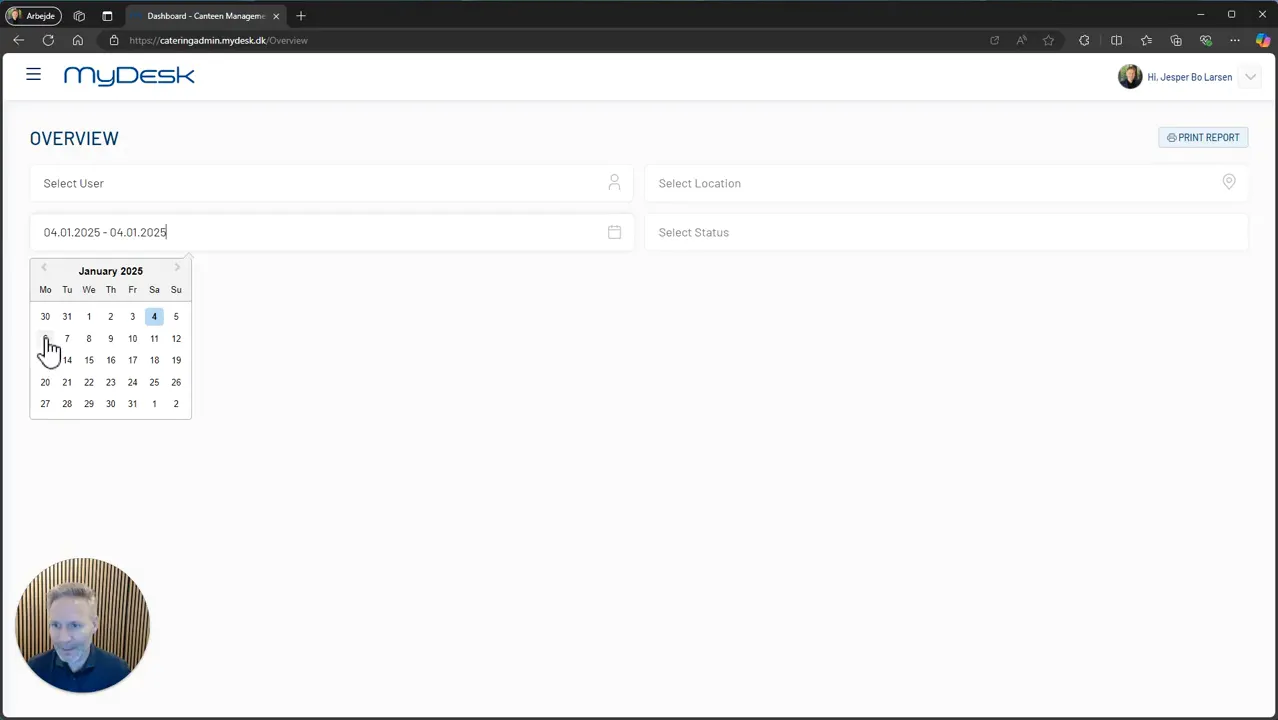
Once in ‘Overview’, you can select a specific day by double tapping the date, or you can select a period if you want to see several days at a time.
Step 3: Location and status filtering
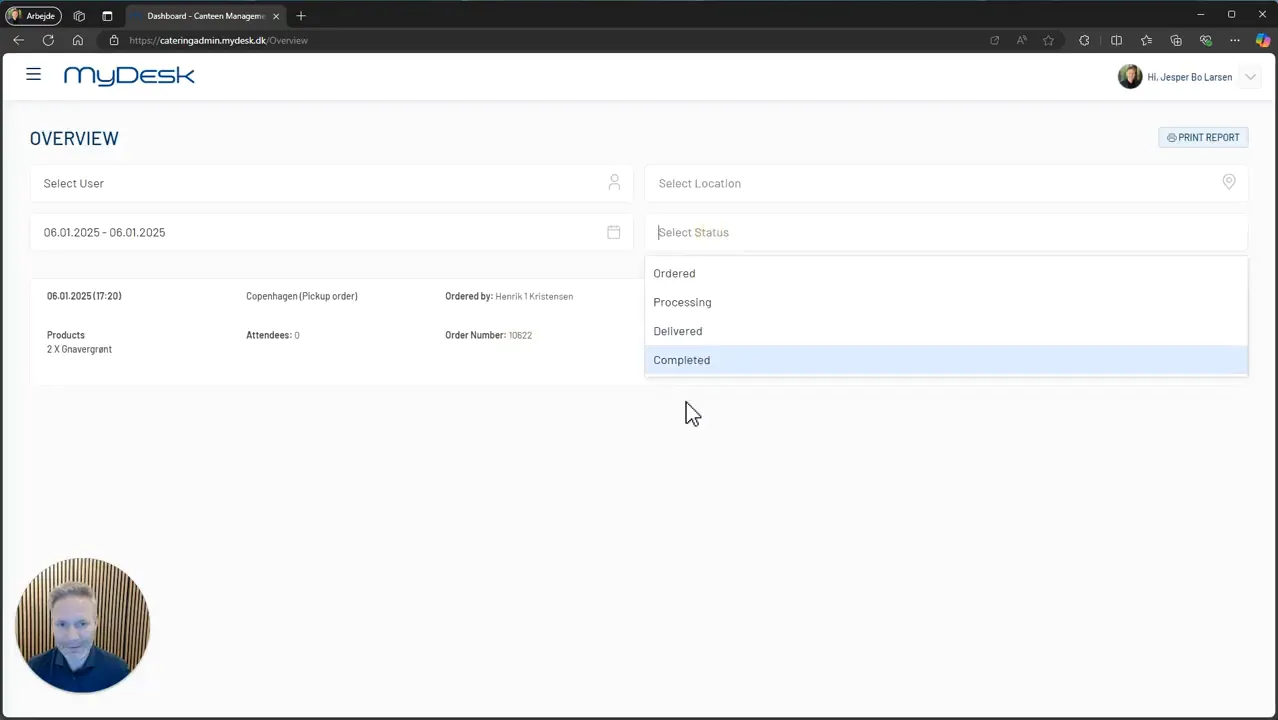
It is also possible to filter orders based on location. This is useful if your company has multiple canteens or catering locations. In addition, you can filter by status to see how far along the catering process is. This gives you a clear picture of what needs to be delivered and when.
Step 4: Understand the overview
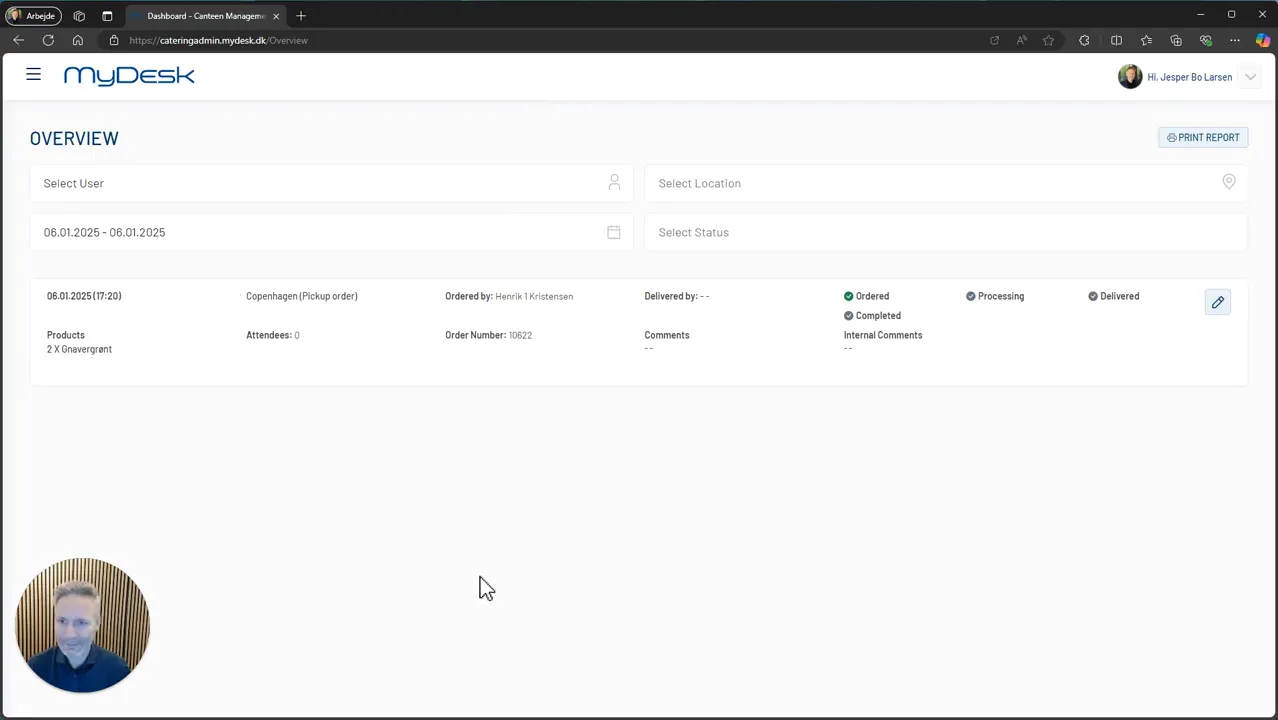
The overview you now have access to is what many companies choose to display on a screen in the canteen. This can be a touch screen, an iPad or a PC. This ensures that staff always have a clear overview of what needs to be delivered.
Step 5: Real-time updates
One of the great advantages of this system is that the overview is continuously updated. This means that you only see the upcoming meeting explanations, which is crucial for planning deliveries efficiently.
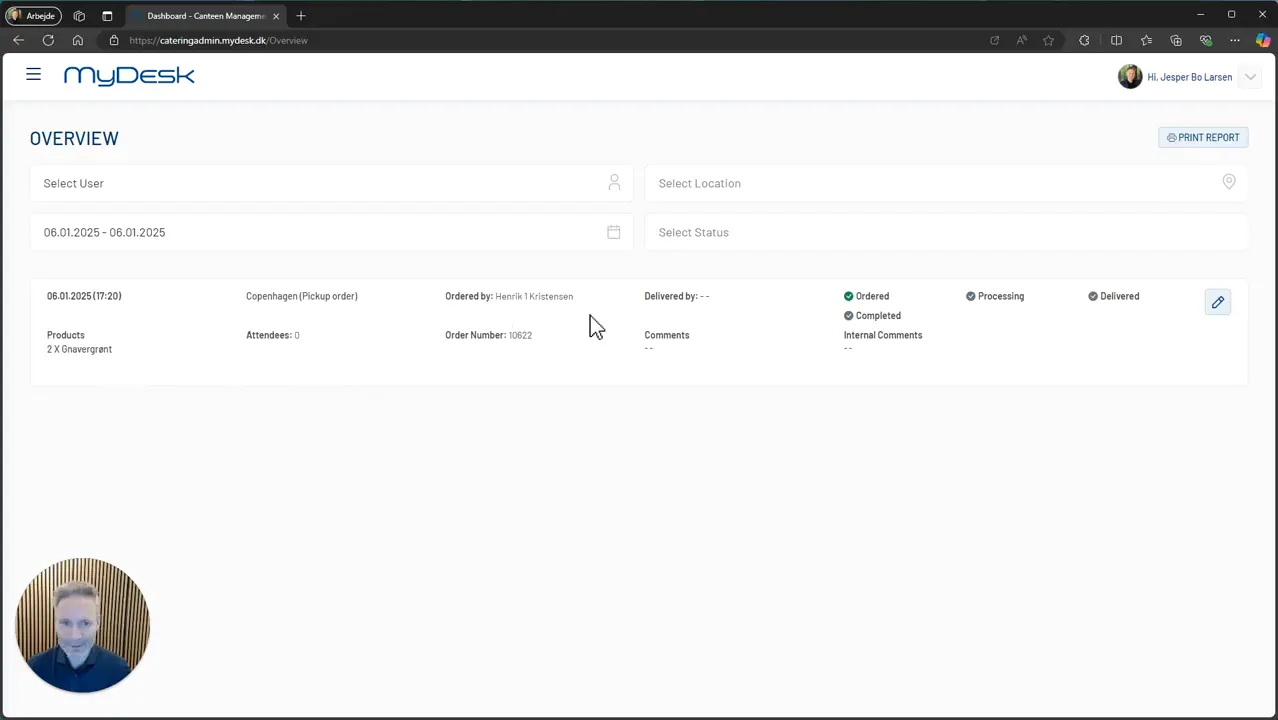
Step 6: Order details
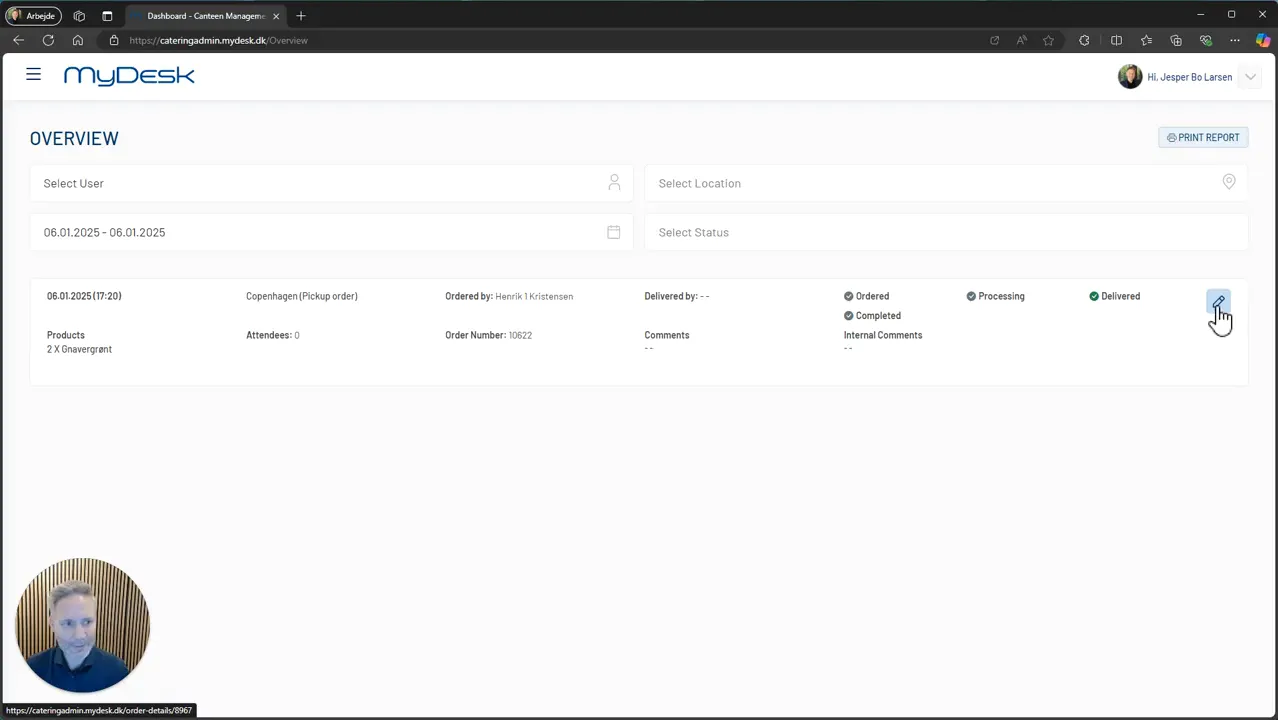
In the overview you can see more important information about the orders. This includes:
- What is ordered
- The number of participants
- Who has ordered
- Who will deliver it
- Any internal and external comments
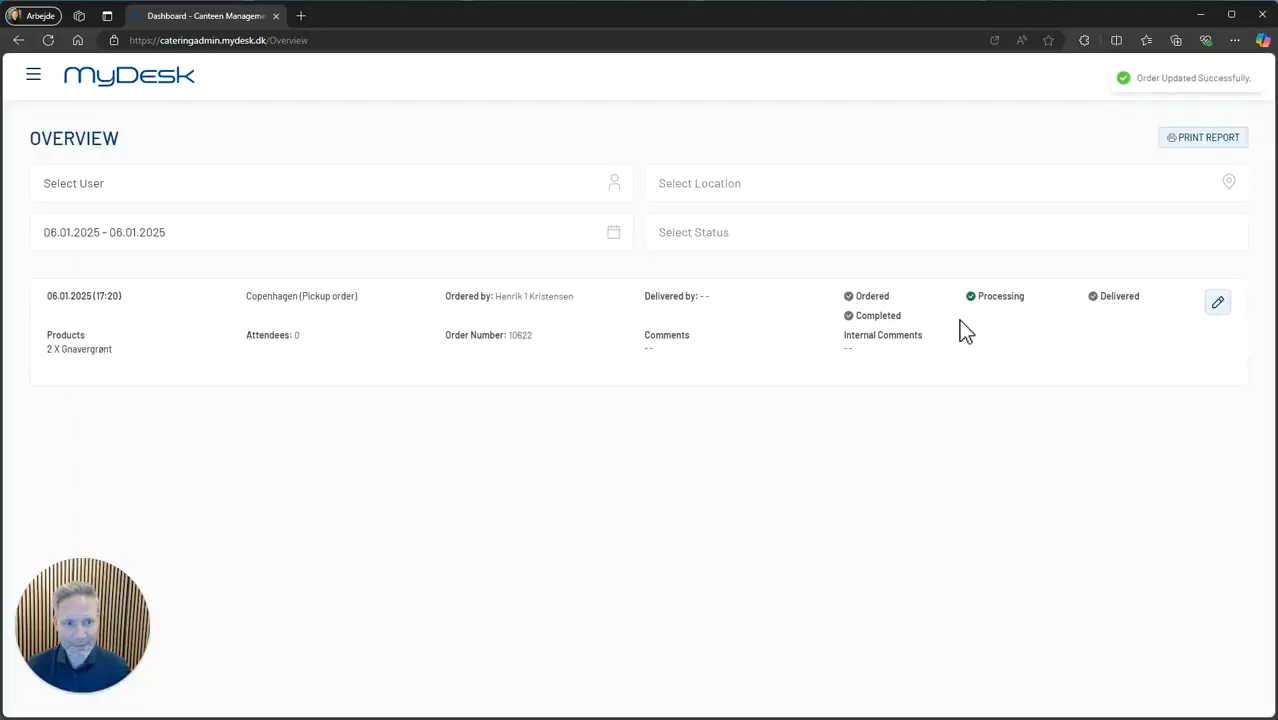
Step 7: Change status
In addition, you have the option to change the status of the orders. This is useful for keeping track of how far the delivery has progressed. It can be a good idea to have this feature so you are always up to date.
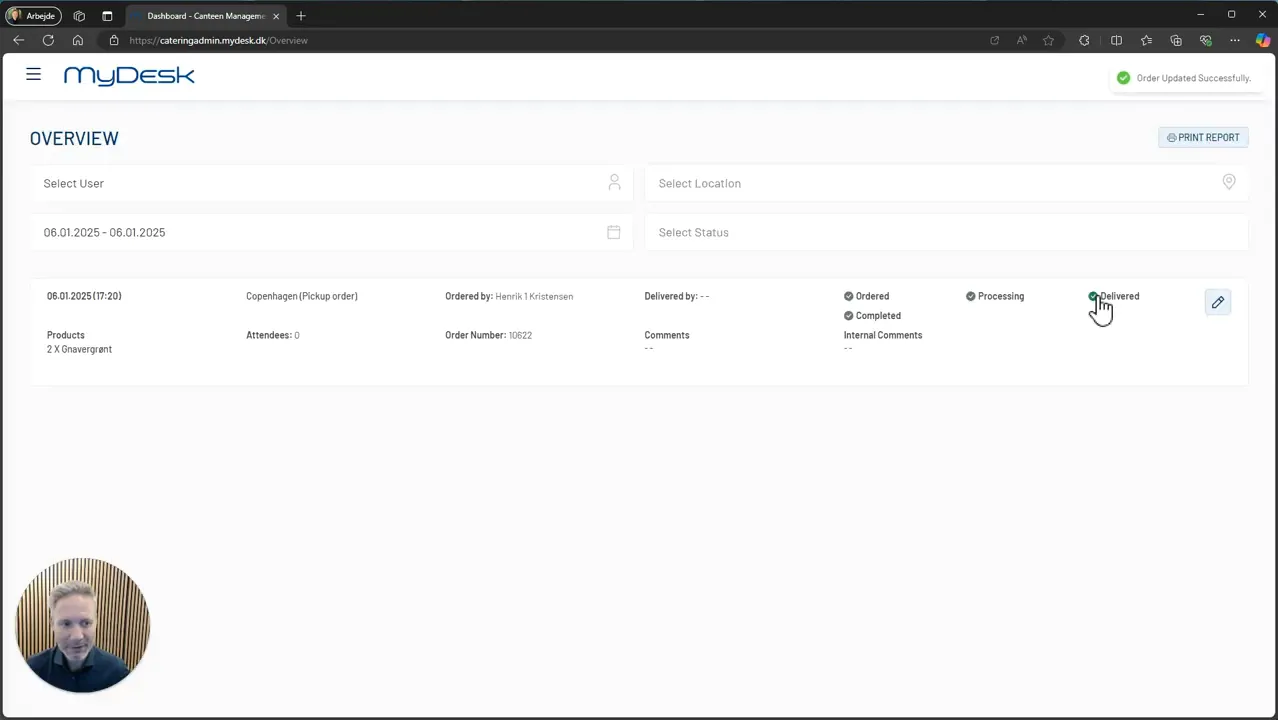
Step 8: Mobile access for staff
If you have staff delivering food and have a mobile phone, they can also update the status directly from their devices. For example, they can tap ‘Delivered’ to indicate that they have arrived with the delivery. This makes it easier to keep track of what has been delivered.
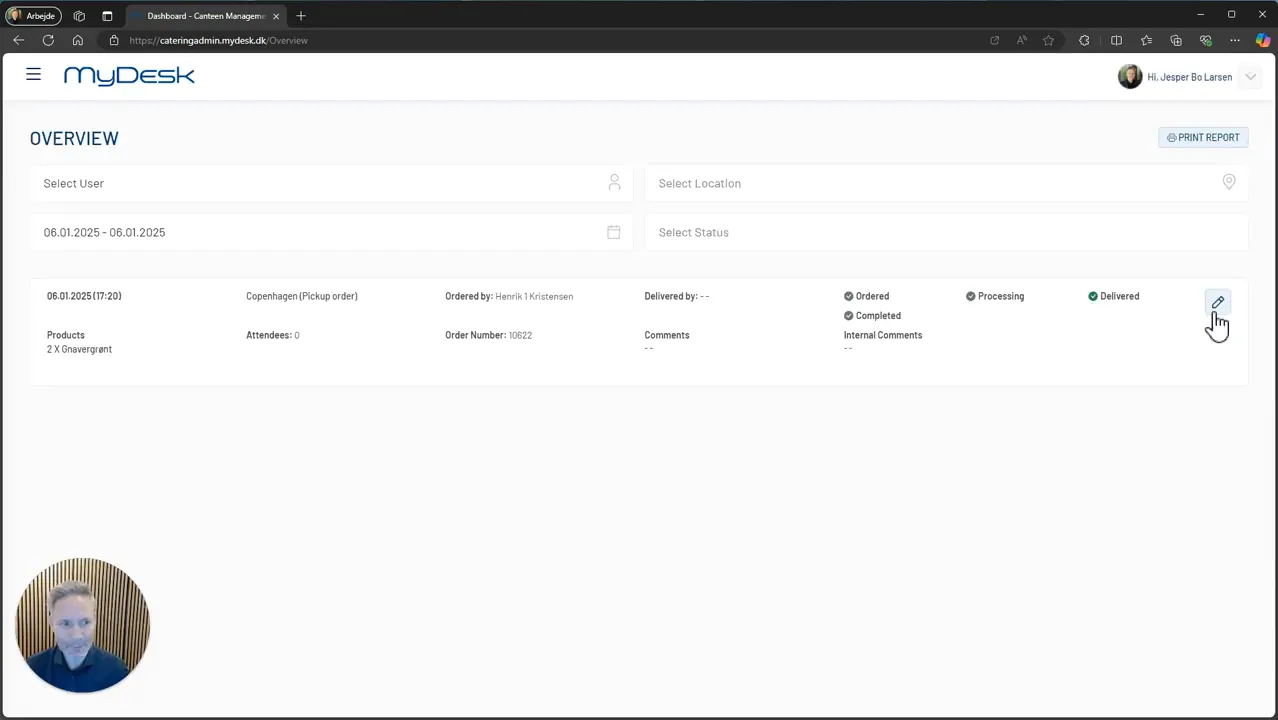
Step 9: Change meeting catering
If there is a need to change meeting catering, you can do this by tapping on the “pencil”. Here you can add more products or change existing orders.
Completion
Having an efficient overview of the day’s orders in the canteen is crucial for keeping track and moving away from the often printed and static daily printouts.